 How-to
Automating Recurring Janitorial Invoices for Multiple Locations
Last Updated: October 23, 2026
Quick Summary
Automating recurring janitorial invoices for multiple locations means using billing software built around recurring service schedules, with separate customer and location records, automated invoice generation, and payment reminders. Choose a consolidated invoice, location-level invoices, or a parent invoice with per-site line items based on who approves payment and whether each site requires a purchase order.
- Store the tax jurisdiction on the location record, not the customer record, so tax is calculated per site.
- Prorate the first invoice to the start date when a client adds a location.
- Credit skipped visits as line items instead of editing the recurring schedule, keeping the audit trail intact.
- Use the street address as the unique location identifier to prevent duplicate invoices.
- Track invoice error rate, days sales outstanding, time to invoice, payment rate, and overdue balance by location.
Table of Contents
- Why Automating Recurring Janitorial Invoices for Multiple Locations Matters
- What Janitorial Invoicing Software Needs to Handle
- Choosing Recurring Billing Software for Cleaning Services
- Multi-Location Cleaning Service Billing: Consolidated vs. Location-Level Invoices
- Automated Invoicing for Cleaning Businesses: A Step-by-Step Setup
- Reconciling Invoices Across Locations and Preventing Duplicates
- Conclusion
- Frequently Asked Questions
Why Automating Recurring Janitorial Invoices for Multiple Locations Matters
At Rangel Janitorial, we have spent more than 30 years cleaning offices, medical facilities, and industrial parks across California, and we have watched billing become the quiet bottleneck that slows down otherwise well-run cleaning companies. Automating recurring janitorial invoices for multiple locations turns a manual, error-prone chore into a predictable system: one schedule, one set of customer records, and one clear invoice cycle per client.
The problem is scale. According to the U.S. Chamber of Commerce small business guidance on cash flow, cash flow problems are among the most common reasons small businesses struggle, and for cleaning contractors, slow receivables are often the culprit.
This guide covers what janitorial invoicing software needs to do, how to choose it, how to structure invoices across sites, and the setup steps that keep multi-location billing accurate.
What Janitorial Invoicing Software Needs to Handle
Janitorial invoicing software is a billing system built around recurring service schedules rather than one-off sales. For commercial cleaning, it must track contracts, generate invoices on a fixed billing frequency, and collect payment without someone rebuilding a spreadsheet every month.
Core Features for Multi-Site Accounts
Not every billing tool is built for cleaning. Look for these capabilities:
- Recurring invoice schedules tied to the contracted frequency (weekly, bi-weekly, monthly)
- Customer and location records kept separate, so one client can hold many buildings
- Automated invoice generation and batch invoicing across all active accounts
A tool that handles recurring services but forces every location into one lumped invoice will cost you hours in reconciliation later. The IRS guidance on recordkeeping for small businesses is a useful reminder that clean, retained billing records also protect you at tax time.
Choosing Recurring Billing Software for Cleaning Services
The right recurring billing software for cleaning services fits how your crews work: variable visit counts, seasonal add-ons, and clients who pay by check, card, or ACH. Score candidates on five criteria before you commit.
| Criterion | What to Check | Why It Matters |
|---|---|---|
| Recurring schedules | Weekly, bi-weekly, monthly, custom | Matches contracted frequency |
| Multi-site structure | One client, many locations | Prevents duplicate records |
| Payment collection | Auto-charge, reminders, portal | Reduces overdue invoices |
| Reporting | By location and by client | Speeds reconciliation |
| Migration support | Import from spreadsheets | Shortens setup time |
Migration is where implementations stall. Ask any vendor how they import existing customer and location records, and whether they can map your current billing schedule into their recurring invoice engine.
Multi-Location Cleaning Service Billing: Consolidated vs. Location-Level Invoices
Multi-location cleaning service billing comes down to one structural decision: one consolidated invoice to the property manager, or a separate invoice per building? The right answer depends on who approves payment, how the client's accounting team codes expenses, and whether each site carries its own purchase order. Getting this wrong is the most common reason multi-site billing turns into a monthly reconciliation project.
The Three Invoice Structures
There are really three structures, not two, and each has a distinct accounting behavior on the client side.
1. Consolidated invoice (one bill, all locations as line items). The client receives a single invoice with each building listed as a location-level line item.
2. Location-level invoices (one invoice per building). Each site receives its own invoice number, purchase order reference, and due date.
**3.
How to Choose: A Decision Framework
Ask these questions before you set the structure for a new multi-location client:
- Who approves the invoice? One approver for all sites means consolidate; per-site sign-off means location-level invoices or a routable parent invoice with per-site subtotals.
- Does each site require a purchase order? If yes, location-level invoices are usually mandatory, because the PO number must appear on the document the site's AP team receives.
- Does the client allocate cleaning cost to cost centers or GL codes? A parent invoice with location-level line items lets their accounting team split the charge without separate documents.
Tax Treatment and Location Codes
Sales tax on janitorial services varies by state and sometimes by locality, and a multi-location client can span jurisdictions. Two controls prevent tax errors on multi-site invoices:
- Store the tax jurisdiction on the location record, not the customer record. A customer with buildings in two states should calculate tax per site, not per client.
- Use a consistent location code (for example, a short site ID) on every invoice line, so the client's AP team can match charges to their own site list without calling you.
Confirm the taxability of cleaning services with your accountant or state revenue department before you automate; once a tax rule is baked into a recurring invoice template, it repeats every cycle until someone catches it.
Switching Structures Mid-Contract
Changing invoice structure after the first cycle creates reconciliation headaches for the client's AP team and for you. Coordinate the change with a clean cutover date, close out the old structure at the end of a billing period and start the new one on the first day of the next. Document the change in writing so a disputed charge can be traced to the correct structure.
Automated Invoicing for Cleaning Businesses: A Step-by-Step Setup
Automated invoicing for cleaning businesses follows a repeatable sequence. Here is how to set up one customer with multiple locations from scratch.
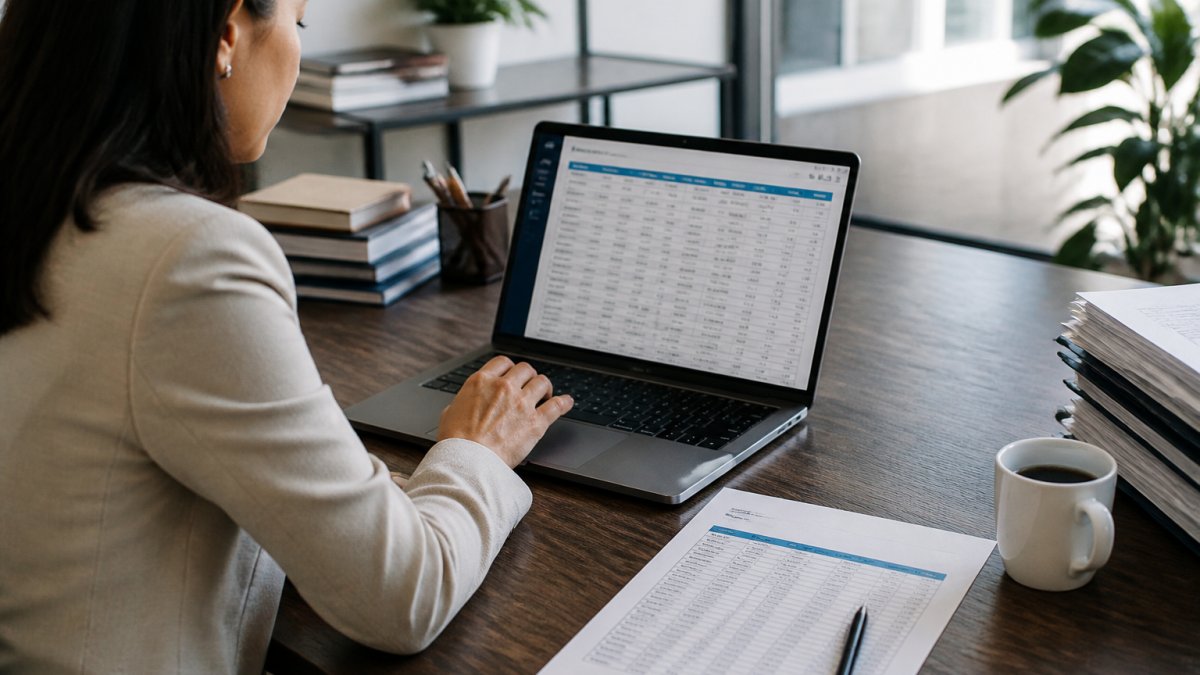
- Create the customer record. Enter the client's legal name, billing contact, and payment terms once at the parent level.
- Add each location as a sub-record. Attach the address, service schedule, and any site-specific purchase order to every building.
- Build the service agreement. Record the contracted frequency, scope, and rate per location so the system knows what to bill.
- Set the billing schedule. Choose the billing frequency and invoice cycle, then align it to the contract start date.
- Configure delivery and payment. Turn on invoice delivery by email or portal, plus automatic charges where the client has approved them.
- Run a test batch. Generate one invoice cycle, check totals against your contract, then void the test before going live.
- Activate payment reminders. Set reminders for overdue invoices so nothing depends on someone remembering to follow up.
Handling Contract Changes, Skipped Visits, and Variable Work
Real accounts rarely bill the same amount every month. When a client adds a location, prorate the first invoice to the start date. When a visit is skipped, credit the line item rather than editing the recurring schedule, so the audit trail stays intact. Bill variable work like deep cleans or electrostatic disinfection add-ons as separate line items on the next cycle instead of changing the base contract.
Reconciling Invoices Across Locations and Preventing Duplicates
Reconciliation is where multi-site accounts quietly fall apart. Duplicate invoices usually trace to one cause: the same location entered twice under slightly different names, or a recurring schedule that fires twice because two records point to the same building. The fix is location-level controls plus a short, repeatable monthly close.
Location-Level Controls That Prevent Duplicates
Before your first billing run, standardize how location records are created and reviewed:
- One location record per physical site. Use the street address as the unique identifier, not the building nickname. "Main St. Office" and "123 Main Street" are the same site and should never both exist.
- A location code on every record. Assign a short site ID (for example, a three- or four-character code) and require it on every invoice line. The client's AP team can match charges to their own site list without calling you.
- A named billing contact per location. Even on a consolidated invoice, store who approves charges at each site so disputes route to the right person.
Matching Payments to Individual Sites
On a consolidated invoice, one payment covers many locations. Your billing software should allocate it across location-level line items automatically, so each site's revenue and outstanding balance stay correct.
For clients who pay by ACH or card, turn on automatic payment matching where the software supports it. For check payers, record the check number against the invoice so a later dispute can be traced to a specific payment.
The Monthly Close Checklist
Run this close every cycle, before statements go out:
- Match every generated invoice to an active service agreement
- Confirm each location appears exactly once in the batch
- Review skipped visits and credits against crew scheduling notes
Measures That Tell You Whether Automation Is Working
A monthly close catches errors; a few measures show whether the system is improving. Track these by location and by client:
- Invoice error rate, the share of invoices that required a credit, void, or reissue. A rising rate usually means location records are drifting.
- Days sales outstanding (DSO), the average days from invoice to payment. Compare it month over month and by client, not just in total.
- Time to invoice, the days between the end of a service period and the invoice date. Automation should shrink this toward zero.
Many cleaning companies find that a fixed monthly close checklist plus these five measures catches most billing errors before they reach the client. Pair it with a customer portal so clients can view invoices and payment history themselves, which cuts down on "what is this charge" emails. The Better Business Bureau guidance on billing disputes reinforces why clear, documented invoices matter when a client questions a charge.
For companies managing several properties, consistent quality and consistent billing go together. As one of our long-term clients, Robert K., put it: "Managing multiple properties means I need a cleaning company I can count on. Rangel delivers consistent quality across all our buildings."
Conclusion
Getting recurring janitorial invoices right across multiple locations is a systems problem, not a paperwork problem. Profitable cleaning companies treat billing as part of operations, not an afterthought.
If managing invoices across several buildings is eating your week, Rangel Janitorial can help. With more than 30 years of experience, fully bonded and insured crews, and tailored cleaning plans for every property, we deliver consistent quality across all your locations.
Frequently Asked Questions
How do you set up recurring invoices for cleaning services?
Set up recurring invoices by creating a customer record for each client, then attaching a billing schedule that matches the contracted frequency: weekly, bi-weekly, or monthly. Add each location as a line item or sub-record, set the invoice cycle start date, and choose whether invoices generate automatically or in a batch you approve. Most recurring billing software for cleaning services lets you send invoices by email automatically and charge the card or ACH on file, which reduces manual entry and keeps billing accuracy consistent across multi-site accounts.
How should janitorial businesses organize invoices for multiple locations?
Organize invoices around the customer first, then the location. Keep one master customer record with billing contacts, purchase order requirements, and payment terms, and attach location records underneath for each site address and service schedule. Decide per client whether to send a consolidated invoice with location-level line items or separate invoices per site. This structure keeps recurring janitorial invoices easy to track, simplifies accounts receivable, and makes it clear which location generated which charge when a client questions a line.
What information should a recurring janitorial invoice include?
A recurring janitorial invoice should list the service period, contracted frequency, each location covered, the services performed (general cleaning, electrostatic disinfection, restroom sanitization), and any variable work such as extra deep cleans. Include the purchase order number if the client requires one, payment terms, and the billing contact. Clear line items per location prevent disputes, support job costing, and make reconciliation faster when a client pays a consolidated invoice covering several sites.
How can you prevent duplicate invoices when billing multiple locations?
Prevent duplicates by using one system of record for all recurring invoices and locking the billing schedule to the service contract. Before generating a batch, review the invoice cycle for each customer and confirm no manual invoice was already issued for the same period. Automated invoicing for cleaning businesses helps because the software flags invoices already generated for a location and date range. Keep a simple audit trail of sent, paid, and voided invoices so any duplicate is caught before it reaches the client.